 Business · iOS
Invoice Studio
Get paid faster and look professional doing it. The job is done: the invoice is ready seconds later.
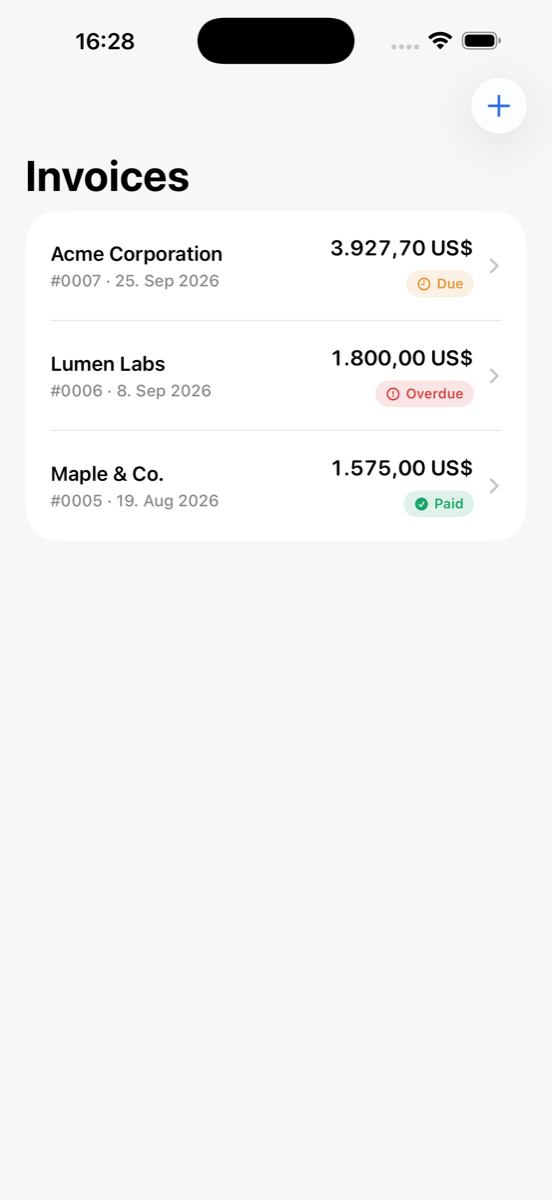
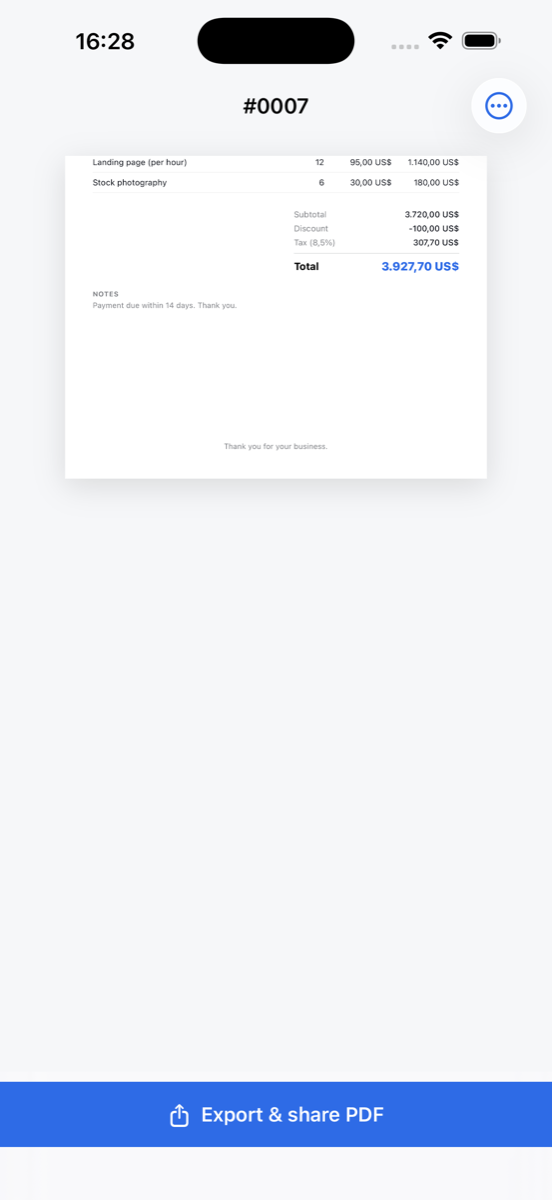
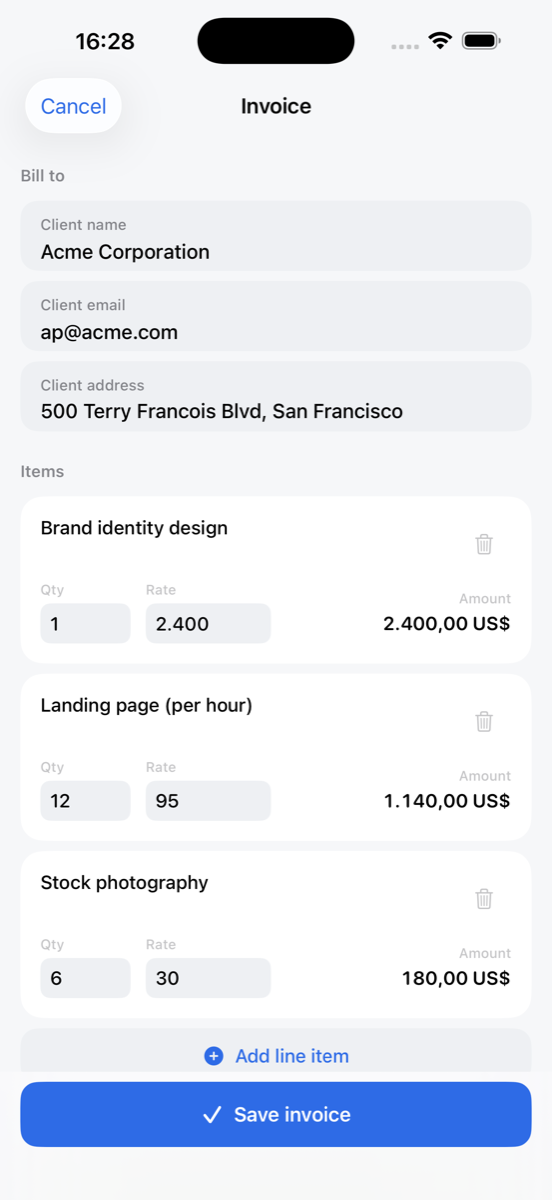
From job done to invoice sent in minutes.
What it does
Invoice Studio turns finished work into a polished invoice your client can pay in seconds. No spreadsheets, no clutter, no accounting degree required.
Add line items with quantities and rates, apply tax and discounts, and the math is done for you. Save clients once and reuse them on any invoice; add your business details and brand so every invoice looks like you.
See what's paid, due and overdue at a glance and mark invoices paid with one tap. The sooner the invoice goes out, the sooner the money lands.
Why Invoice Studio
Professional in seconds
Crisp, polished invoices clients take seriously and pay on time.
Line items and math
Quantities, rates, tax and discounts, calculated for you.
Saved clients
Enter a client once, reuse forever.
Paid, due, overdue
Your receivables at a glance, one tap to mark paid.
Your brand
Business details, logo colors and style on every invoice.
Free every month
Create and send 1 invoice free every month, forever.
Questions
- Is Invoice Studio free?
- You can create and send one invoice free every month, forever. Invoicer Pro unlocks unlimited invoices and custom branding, with monthly and annual options and a free trial.
- Can I track which invoices are paid?
- Yes. The list shows paid, due and overdue at a glance, and marking an invoice paid takes one tap.
- Does it handle tax and discounts?
- Yes, add line items with quantities and rates, then apply tax and discounts; totals are calculated automatically.
- Can I add my own branding?
- Yes, add your business details and brand colors so every invoice looks like your business.
Support & contact
Questions, bug reports or feature requests for Invoice Studio? Email info@landauer.de and include your iOS version and a short description of the issue. Support requests are typically answered within a few days.
Subscriptions: Pro plans are billed through your Apple ID and can be managed or cancelled anytime in Settings, Apple ID, Subscriptions on your iPhone.
Privacy: see the privacy policy and terms of use that apply to all SnapMonoLab apps.