 Business · iOS
E-Rechnung
Ready for Germany's B2B e-invoicing mandate: one tap turns your invoice into a compliant XRechnung or ZUGFeRD file.
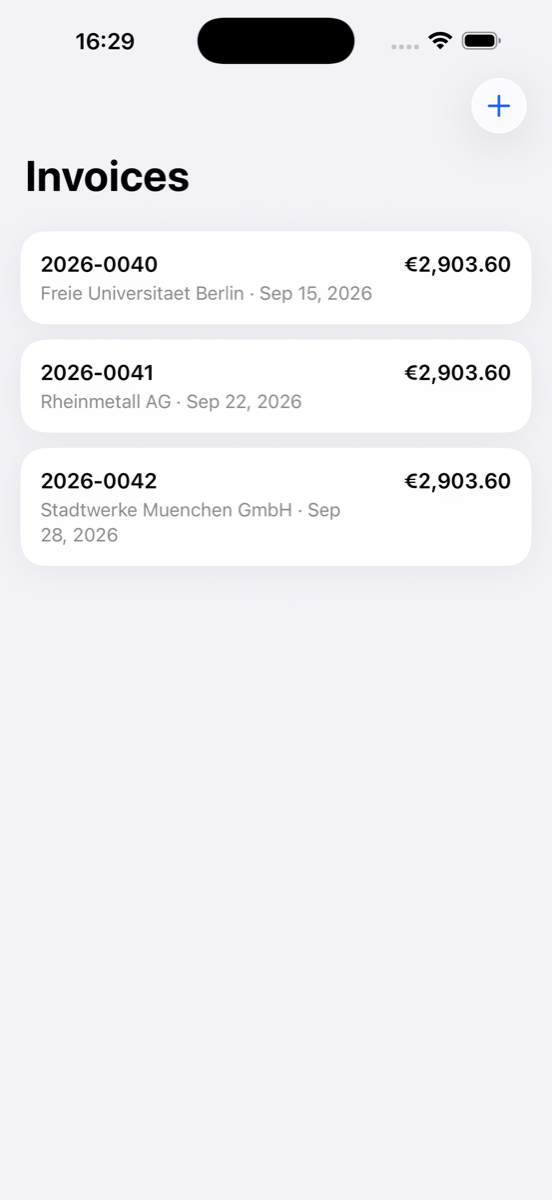
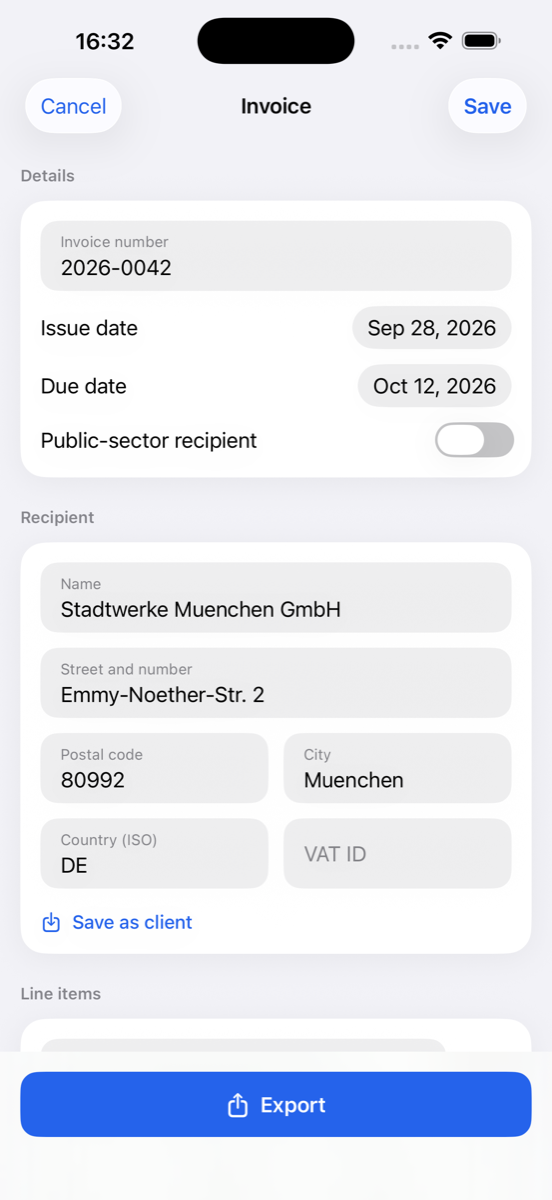
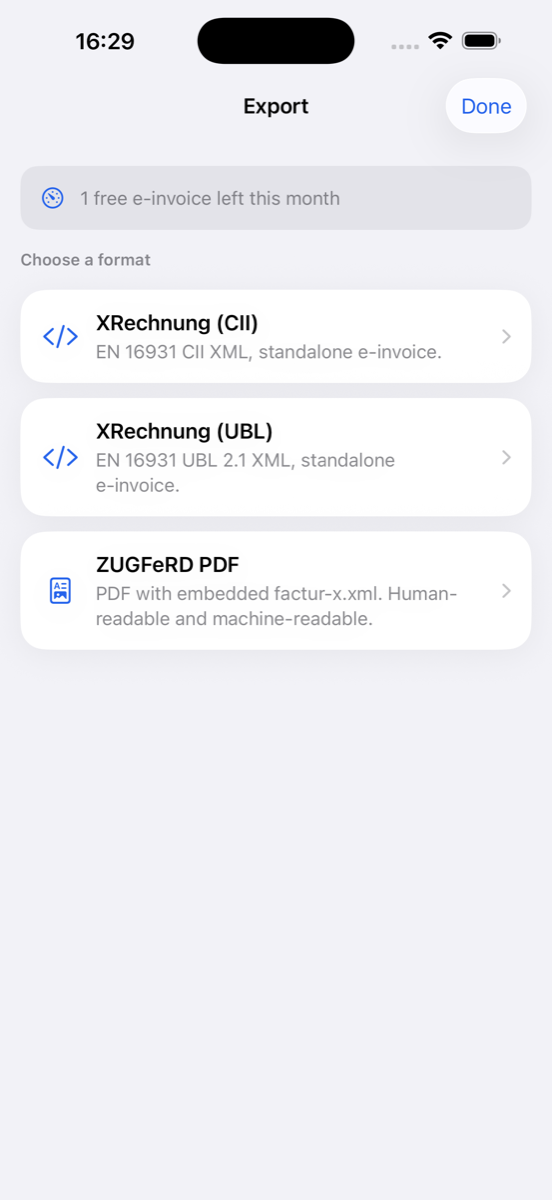
Fill in the invoice, tap export, send a file that gets accepted.
What it does
Germany's mandatory B2B e-invoicing means unstructured PDFs will bounce back. E-Rechnung produces structured invoices your clients' systems accept: XRechnung XML (CII or UBL 2.1) or a ZUGFeRD/Factur-X PDF with the XML embedded, all to the European standard EN 16931.
Every required field is checked as you type, so invoices do not get rejected for missing data. Leitweg-ID for public-sector clients, VAT breakdown, reverse charge and intra-community supply categories are built in.
Saved clients and a reusable company profile (VAT ID, IBAN, BIC) make the second invoice faster than the first. Your data stays on the device, no cloud required.
Why E-Rechnung
Mandate ready
Send invoices that portals and clients accept.
Field validation
Every required field checked as you type, so nothing bounces.
One tap to a file
XRechnung XML or a ZUGFeRD PDF with embedded factur-x.xml.
Public sector ready
Leitweg-ID (buyer reference) support built in.
Proper VAT handling
VAT breakdown, reverse charge and intra-community supply.
Private by design
Your data stays on device, no cloud required.
Questions
- What is an XRechnung?
- The German standard for structured electronic invoices, an XML format following EN 16931 in CII or UBL 2.1 syntax. Public-sector clients require it and B2B e-invoicing is becoming mandatory in Germany.
- What is ZUGFeRD / Factur-X?
- A hybrid format: a normal, readable PDF invoice with the structured XML (factur-x.xml) embedded inside, so both humans and accounting systems can process it.
- Do I need accounting software to use E-Rechnung?
- No. The app creates compliant files on its own; you fill in the invoice and export. A full conformance check, for example with the KoSIT Validator, is a separate step.
- Is E-Rechnung free?
- One compliant e-invoice every month is free, forever. Pro unlocks unlimited e-invoices.
- Where is my invoice data stored?
- On your device. The app needs no cloud account.
Support & contact
Questions, bug reports or feature requests for E-Rechnung? Email info@landauer.de and include your iOS version and a short description of the issue. Support requests are typically answered within a few days.
Subscriptions: Pro plans are billed through your Apple ID and can be managed or cancelled anytime in Settings, Apple ID, Subscriptions on your iPhone.
Privacy: see the privacy policy and terms of use that apply to all SnapMonoLab apps.